TL;DR
I’m working remotely for 145+ days. (March 2020)
Setup
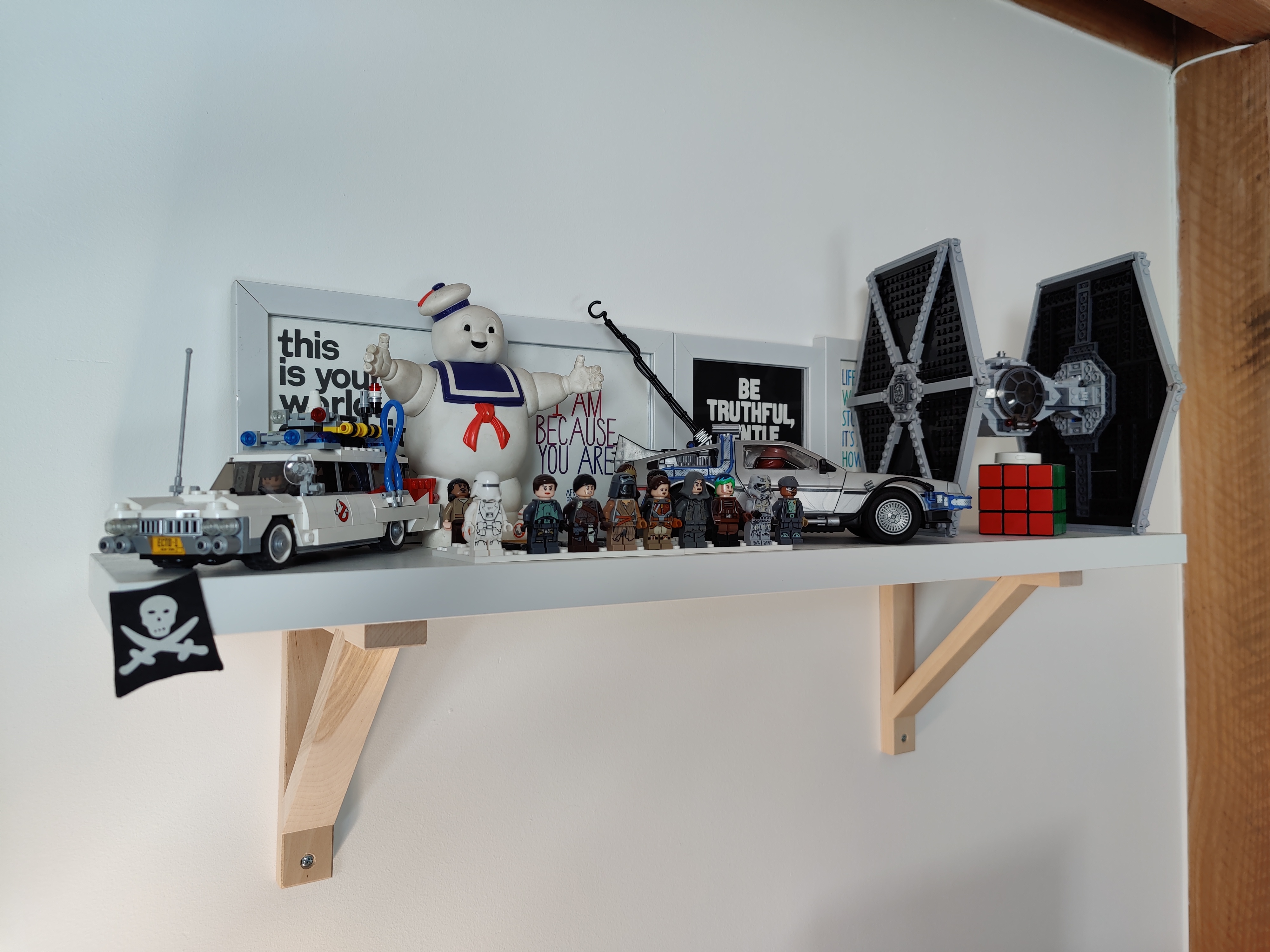
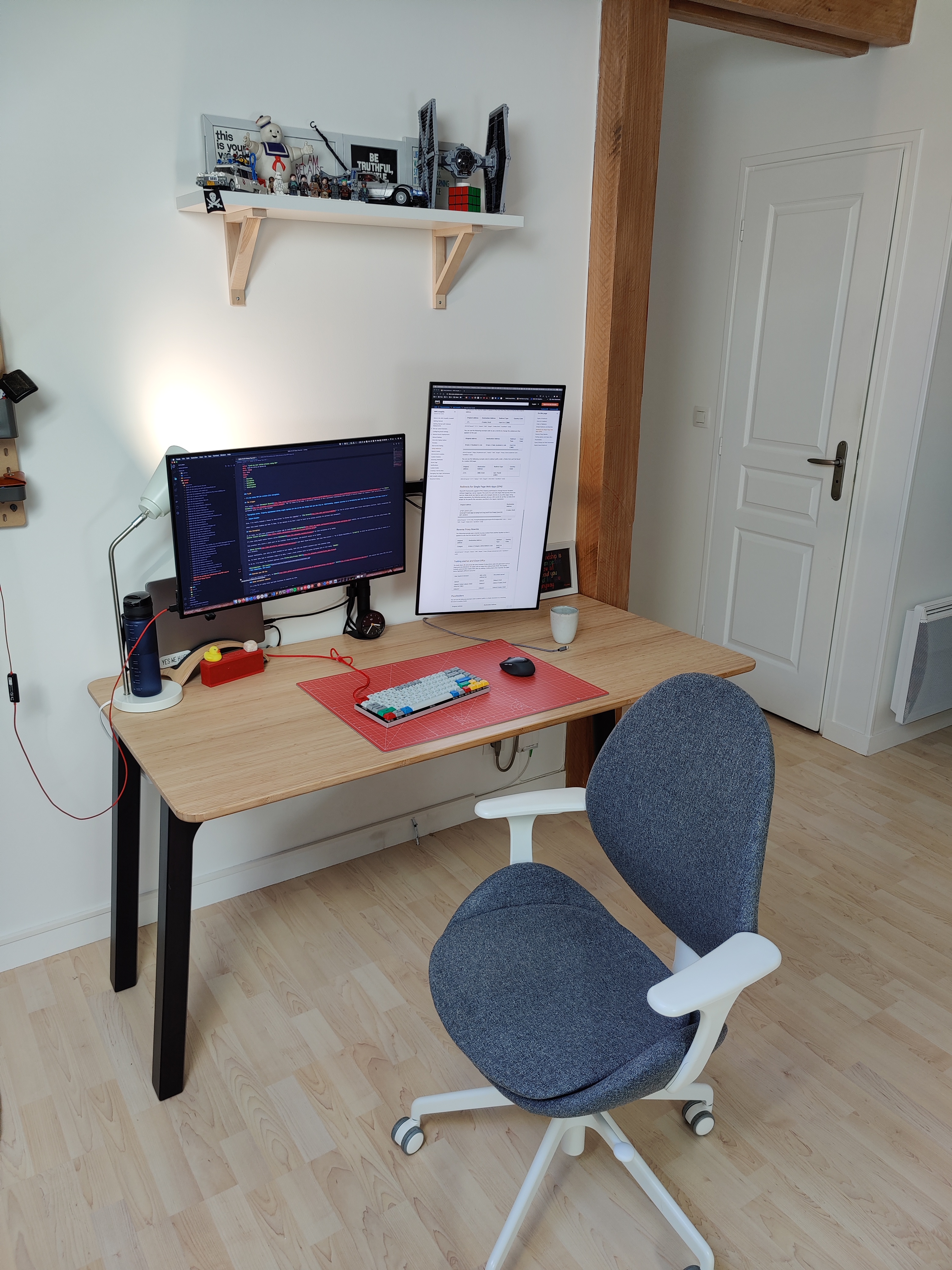
In this post, I will describe my setup for Work From Home (WFH) @ zoph.io. I’m now using this setup daily since March 2020 due to the pandemic crisis.
Compute
I’ve been using macOS for 24 years now 👴. My first ever computer was a Performa 5200 (with TV Tuner card inside folks!! 📺). Nowadays, I’m using a MacBook Pro 13" 2.8 GHz i7, 16 GB RAM, 1 TB SSD.
This form factor is pretty nice; when I need to work remotely (on customer site), I always ride my motorbike, so I need a small form factor and light gear for my backpack.
What I love with macOS is the customization, being able to run my dev tools with Darwin as the underlying OS. The best compromise between a nice-looking OS and a Unix system, without the pain of getting sound and printer drivers to work (in my opinion). Please don’t judge me! 🖐️
Display
For several months now, I’ve been using two displays, with one in portrait mode for reading documentation, and long-history apps like Slack and MS Teams, or wayyy tooo long CloudFormation templates.
- 2 * Dell U2719DC - 27" (2560 x 1440 pixels) - HDMI/USB-C
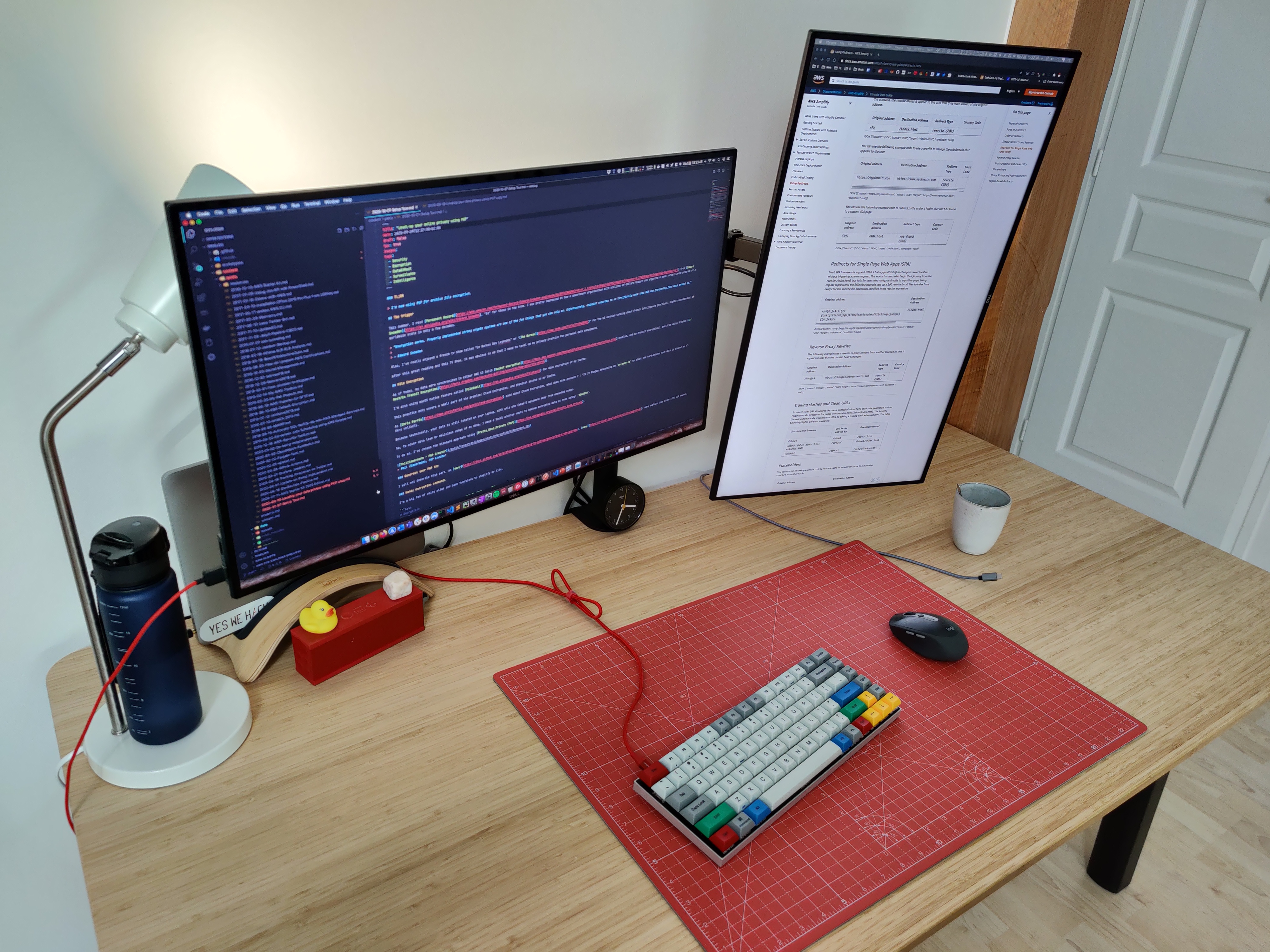
One cool thing about this monitor is that one USB-C port can charge your MacBook Pro (75W).
Inputs
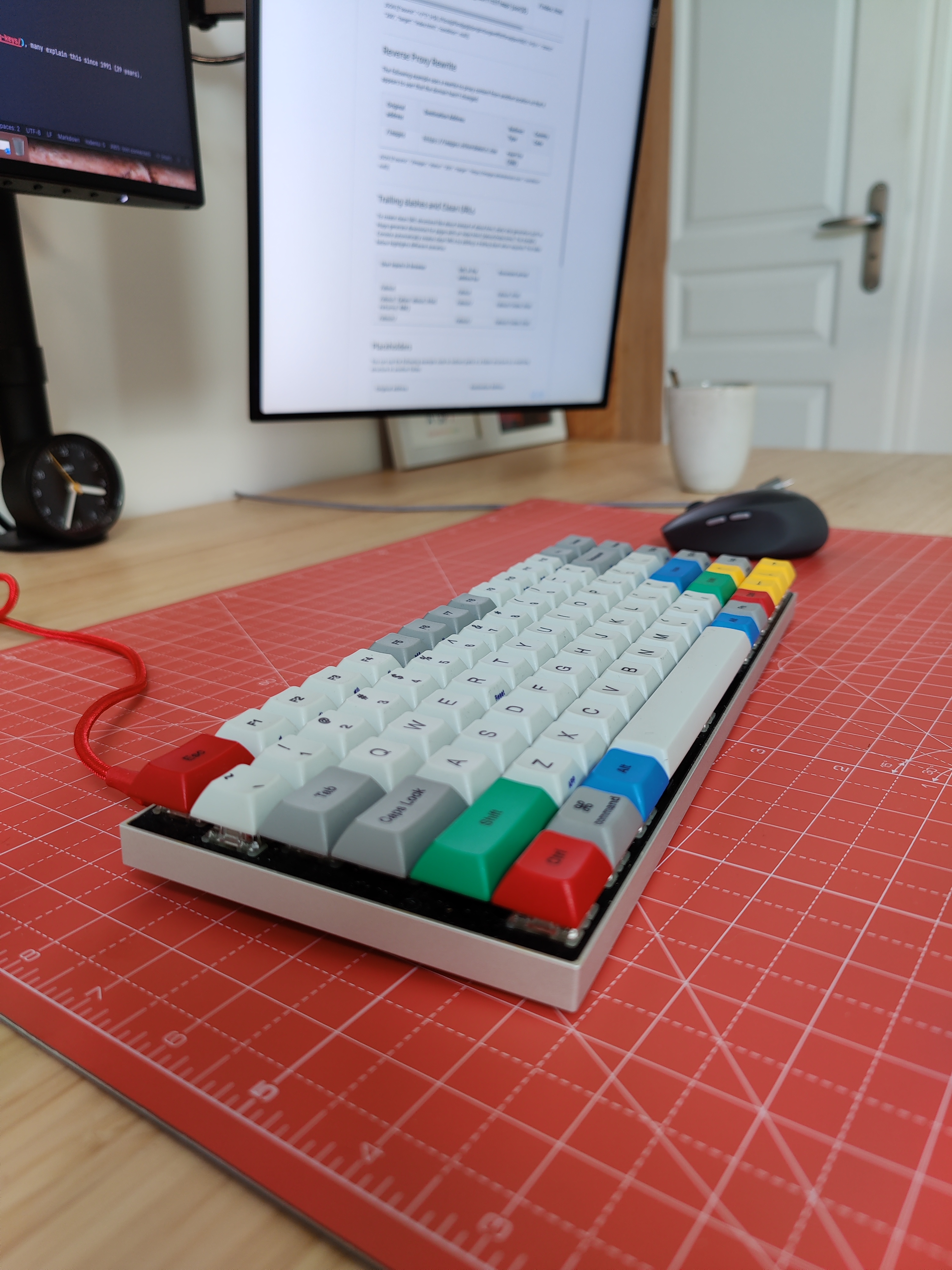
For inputs, I like quiet interactions, so I’ve selected a silent version of a mechanical keyboard and switches, with a mouse without noise (not even the click sound!).
- Vortex Race 3 RGB LED TKL with Silent RED Cherry MX.
- Logitech M590 - Silent Wireless (Bluetooth)
Sound
- Bose Quiet Comfort 35 II, and a Plantronics Blackwire 3200 headset for conferencing. The Bose headphones were too slow to pair via Bluetooth for incoming calls.
- Jawbone Jambox, bought a few years ago in Seattle when I was working at Microsoft. The sound is amazing for the size!
Network
- Home Optical Fiber - Symmetric 300 Mbit/s (only $33/month, sorry :us: readers…)
- WRT3200ACM Wireless Router using DDWRT + PiHole
Furniture
Regarding home furniture, I’m not a big fan of having the same as everybody else, but it was pretty convenient for me to order from IKEA. The quality is pretty good and the value for money is unbeatable.
- Chair: HATTEFJÄLL
- Desk: ÖVRARYD
- Wall-Mount Organizer: SKÅDIS
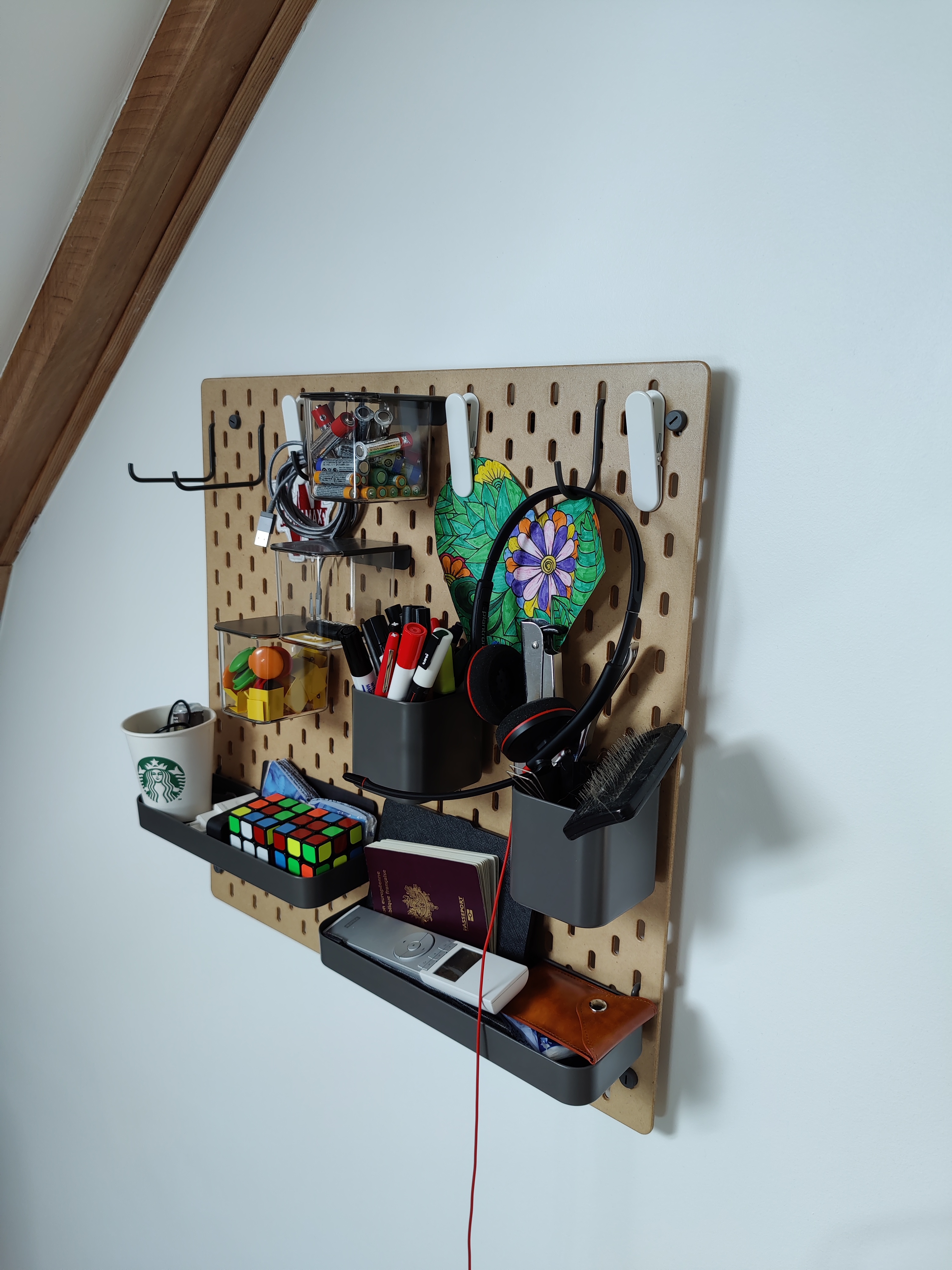
That’s all folks! Don’t hesitate to Ask Me Anything (AMA) in the comments or on Twitter.
zoph.